



How to disable the Epicka Tagie Slim Finder Card?
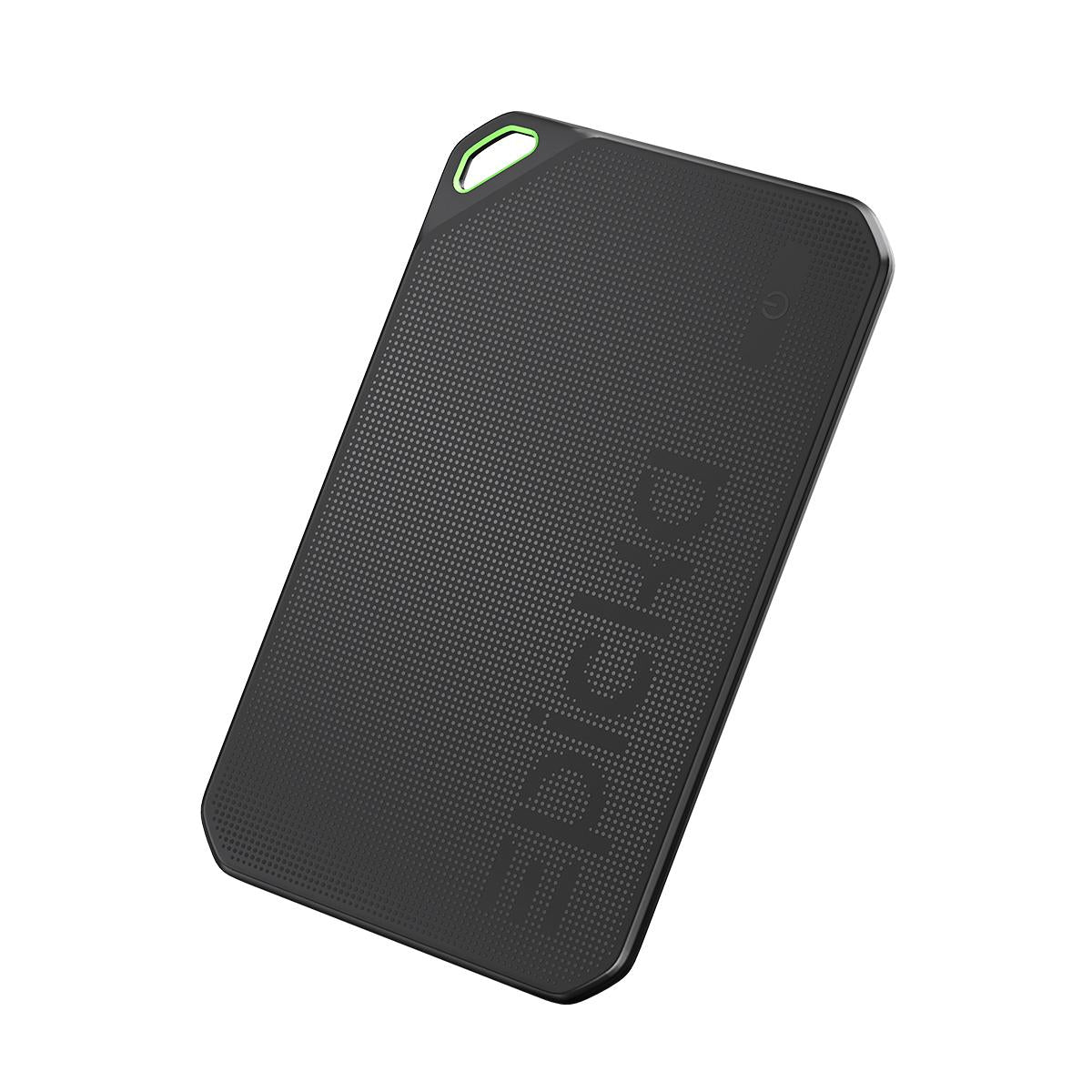
- Locate the button on the Epicka Tagie Slim Finder Card.
- Press and hold the button for 3 seconds. The device will emit three beeps.
- Release the button. The Epicka Tagie Slim Finder Card will be disabled.
How to re-enable the Epicka Tagie Slim Finder Card?
- Press the button once to re-enable the Epicka Tagie Slim Finder Card.
- When re-enabled, the device will emit a beep sound, confirming successful reactivation.
How to enable identification?
- Locate the power button on the Epicka Tagie Slim Finder Card.
- Quickly press the button once.A beep will sound.