| Power On |
 |
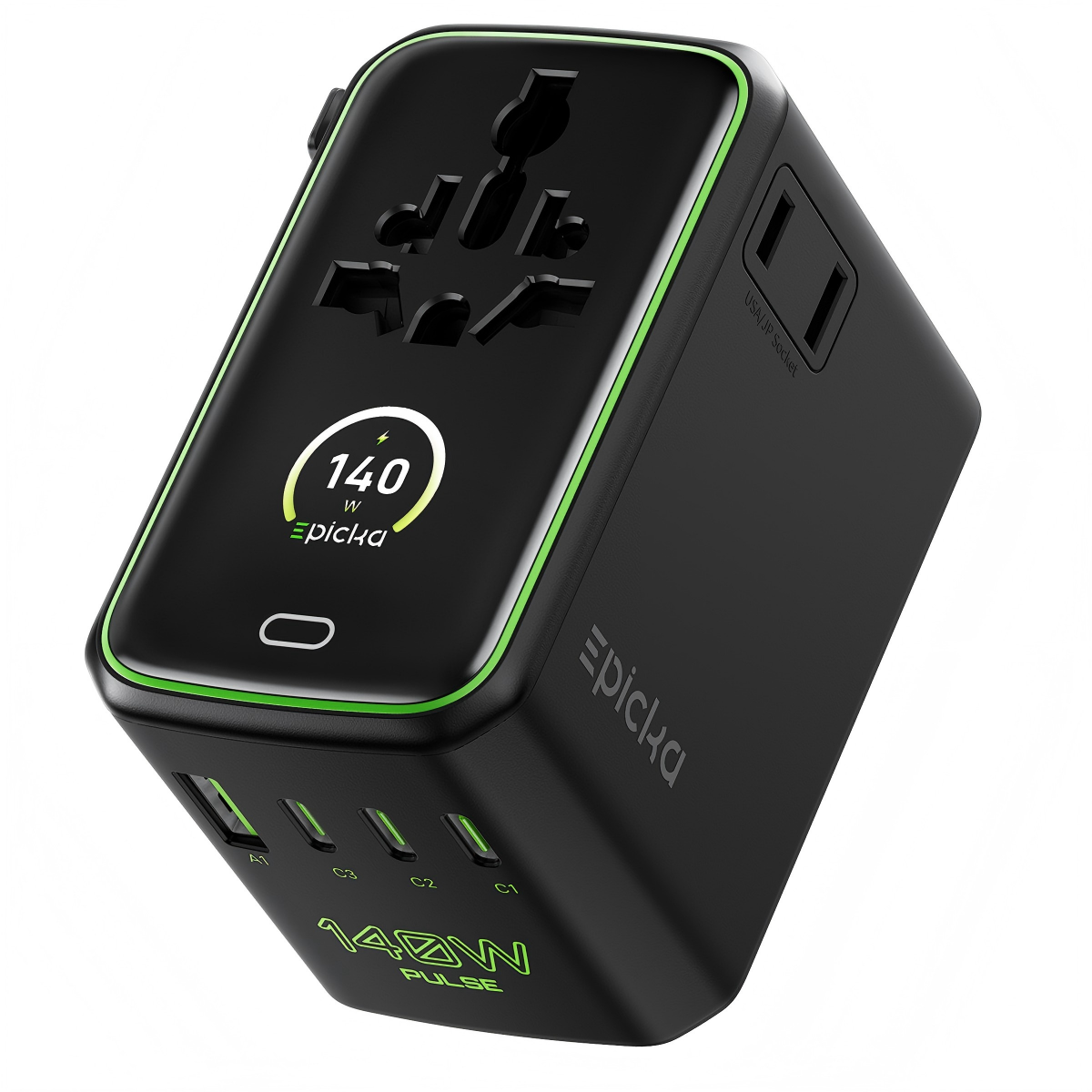
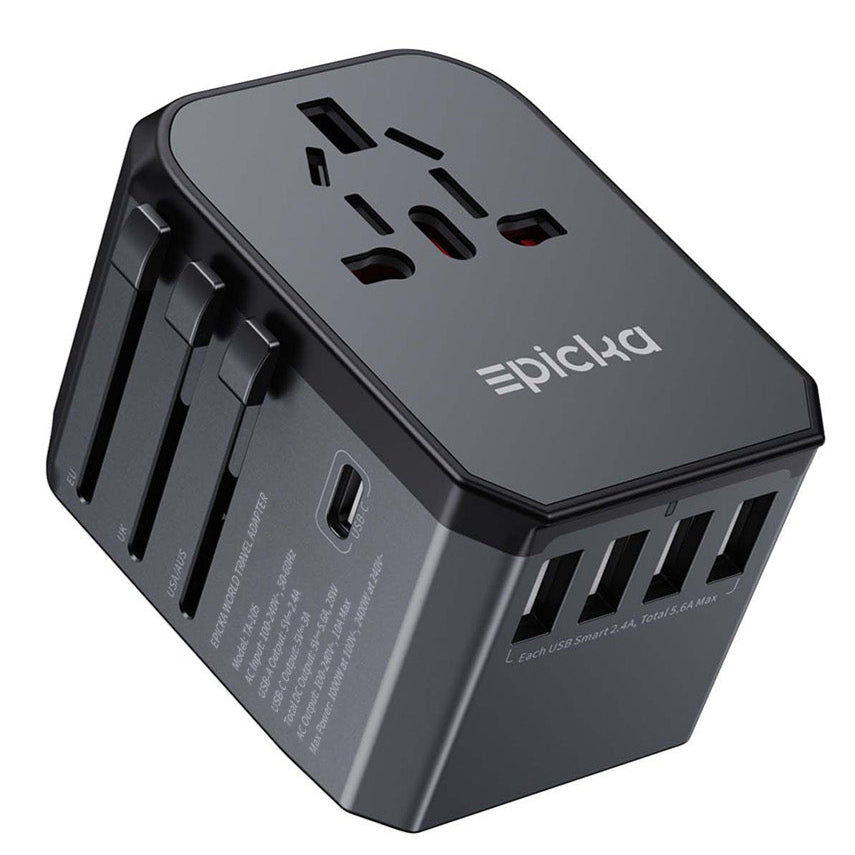
When connected to power, the screen displays the brand logo, then shows total power output. |
| Total Power |


|
When powered on with no DC or AC load connected, the screen displays total power, counting down to 0W within 2 seconds. The screen turns off after 60 seconds. |
| Real-Time Charging Power |
 |
When powered on with a load connected, the screen displays real-time charging power. |
| Port Power |
 |
When port power changes, the screen switches to show port-level power. On the total power screen, tap the touch button to switch to the port power view. |
| AI Smart Temperature Control |


|
Tap the touch button to display the current status of AI Smart Temperature Control. |
| Total Usage Time |
 |
When cumulative charging time exceeds 1 hour, the screen displays the adapter's total usage time. |
| When DC Load Is Connected |
 |
When the adapter is connected to power and in output mode, the screen displays a charging expression. |
| After DC Load Is Disconnected |
 |
When the adapter is connected to power but not in output mode, the screen displays an idle expression. |